
Every client's images, organized inside Klaviyo.
Organize images into folders, pull from sources like Google Drive,
and see where your images are used, for every client account you manage.
14 days · No credit card required
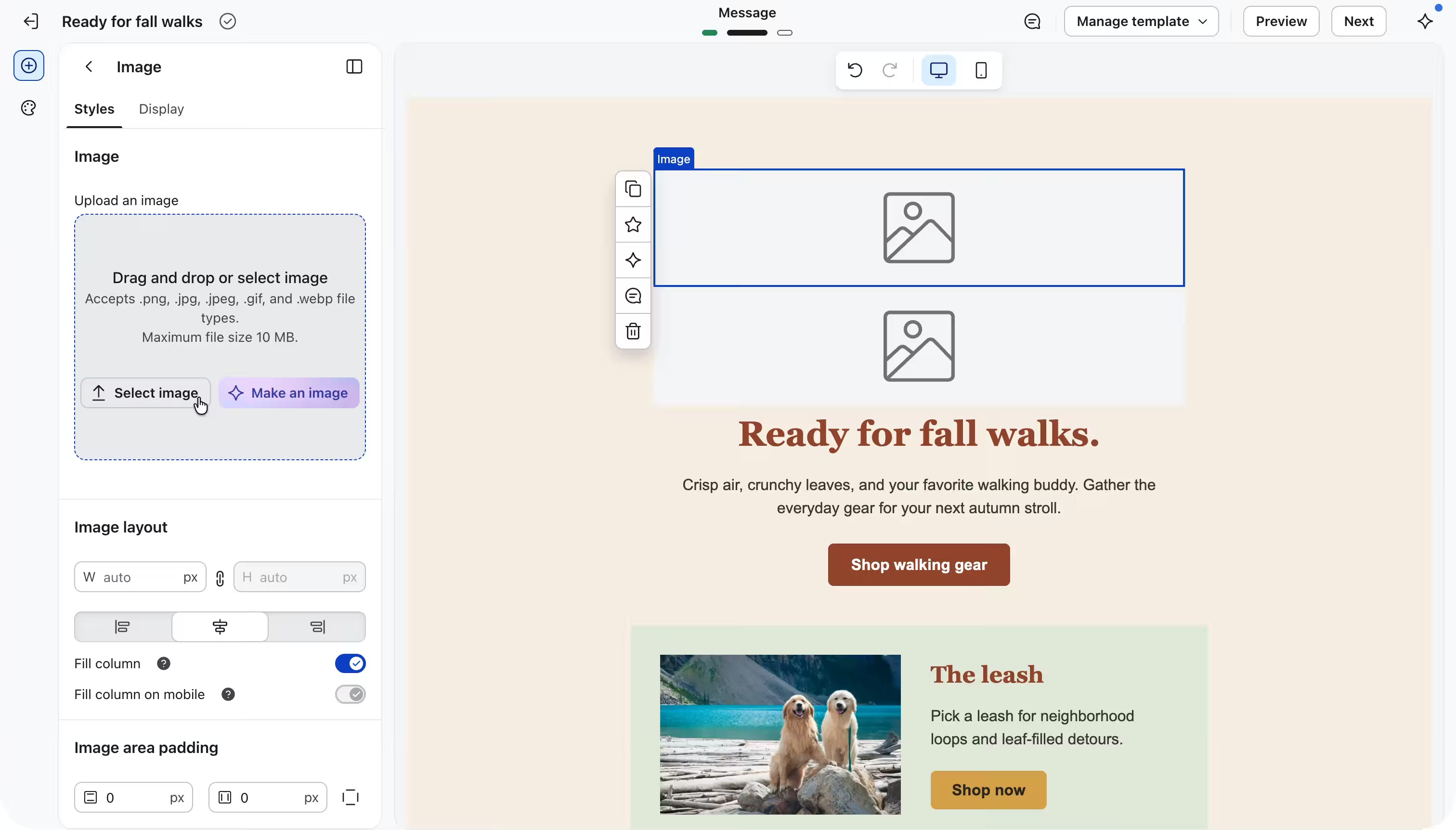
Bring images from
 Google Drive
 Dropbox
 Brandfolder
01 / Your workflow
Hand off final creative, not a shared-drive link.
A folder for every campaign
Put the approved images for Black Friday, the spring launch or the welcome flow into their own folder. Whoever builds the email knows exactly which image to use, and the finished work stays organized in your client's Klaviyo.
Ready for the rebrand
When a client changes their logo, see every campaign, flow, template and form it appears in before you swap it.
02 / Your setup
Set up a client in a few minutes.
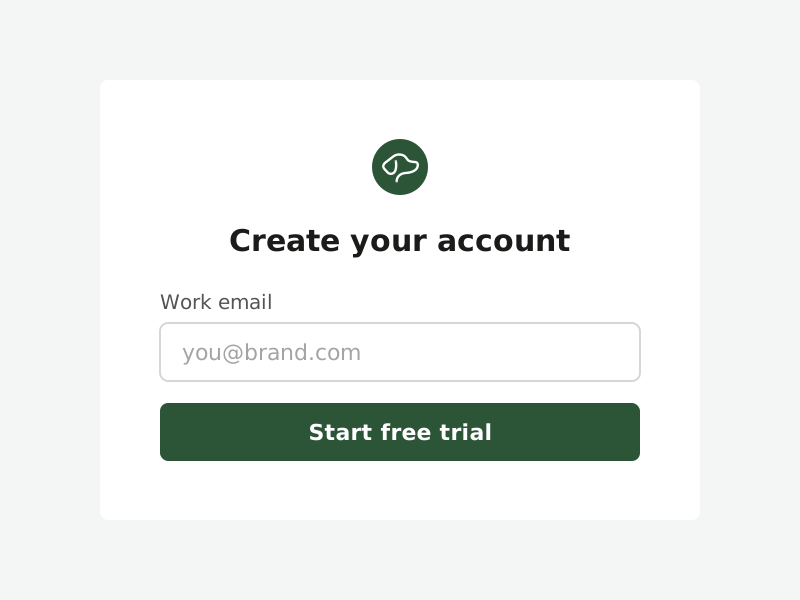
Create your account
Start your 14-day free trial. No credit card required.
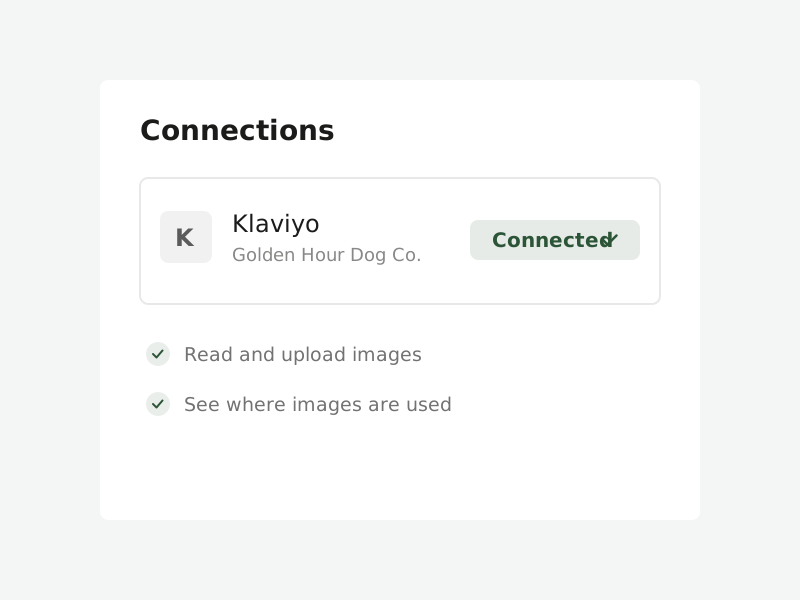
Connect Klaviyo
Sign in to Klaviyo and approve access. Your image library syncs automatically.
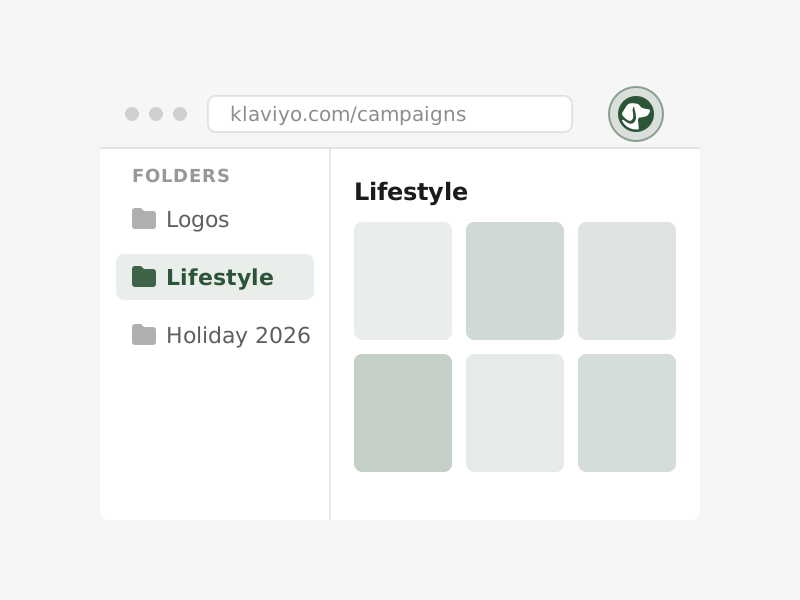
Add the Chrome extension
Your folders show up right in Klaviyo's image picker.
Set it up the way your clients are set up.
 One BrandRetriever account
One account, several Klaviyo accounts
Best for one brand with several Klaviyo accounts, like separate regions or storefronts. Connect them all to one BrandRetriever account and they share the same connections, so one Google Drive or Brandfolder supplies images to every region. Each Klaviyo account keeps its own folders.
A separate account for each client
Best when clients shouldn't share anything. Give each client its own BrandRetriever account, with its own connections, folders and people. Switch between clients from one login.
03 / Your team
Bring everyone in. Seats are unlimited.
Invite your designers, your email team and your client's marketers to the same account. You pay per Klaviyo account, never per person.
Pricing that grows with your client list.
$20
per Klaviyo account / month
- $15 per account from your 6th onward
- Unlimited seats on every account
- Every feature included
Keeping clients in separate accounts? Email us and we'll apply the volume rate across all of them.
See pricing →Frequently asked questions.
Can our clients' teams use it too?
Yes. Seats are unlimited, so invite anyone who works on the account, on your side or theirs. Everyone you invite sees that account's folders and connections.
Can one person work across several client accounts?
Yes. One login can belong to as many BrandRetriever accounts as you need, and you switch between them from the app.
What happens when we stop working with a client?
You can transfer the account to your client, so their folders and connections go with them. Images you've already inserted stay in their Klaviyo account like any other upload.
Get every client's images organized inside Klaviyo.
Start with one client. You'll be set up in a few minutes.
Start free trial14 days · No credit card required